I don’t speak Chinese. Can I still help my child?
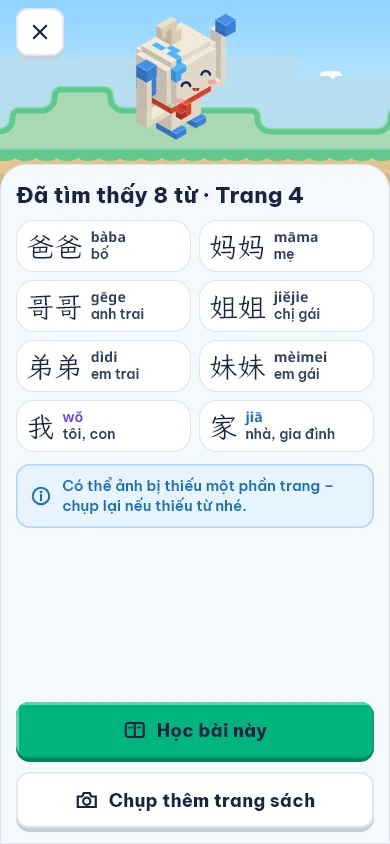
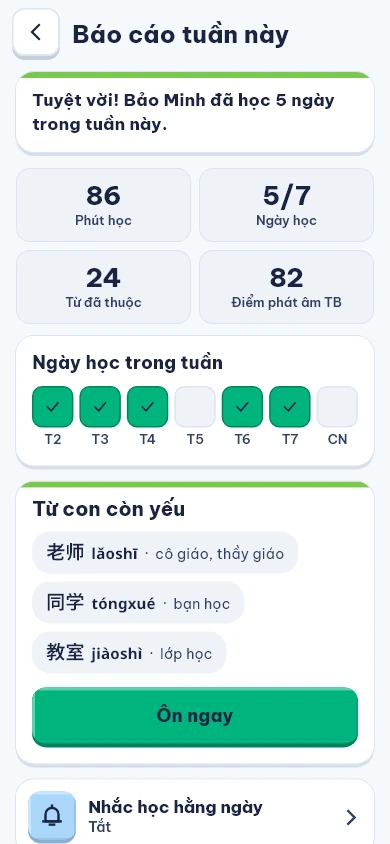
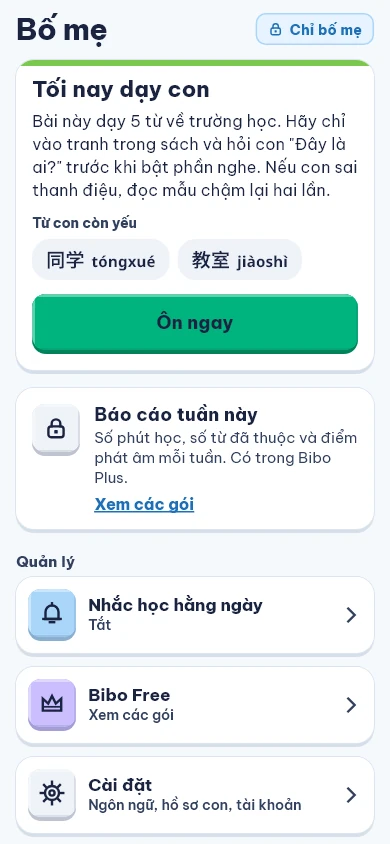
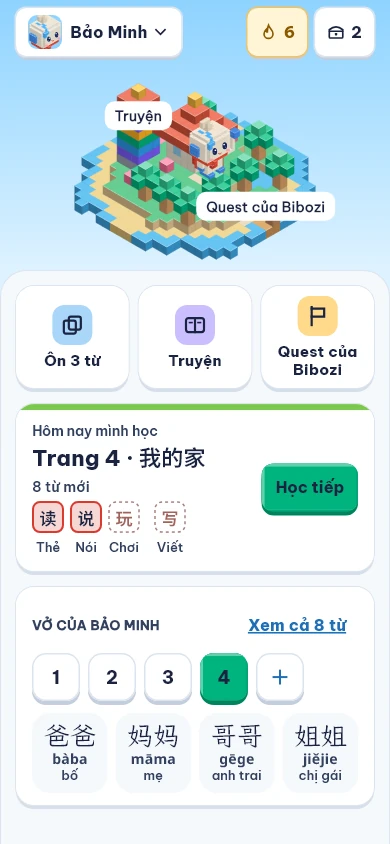
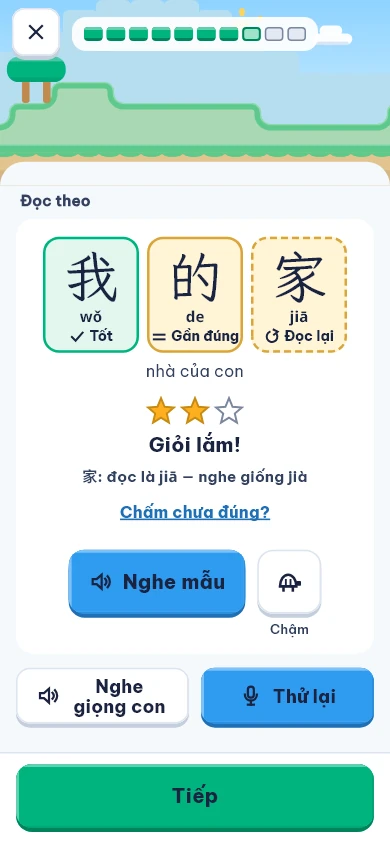
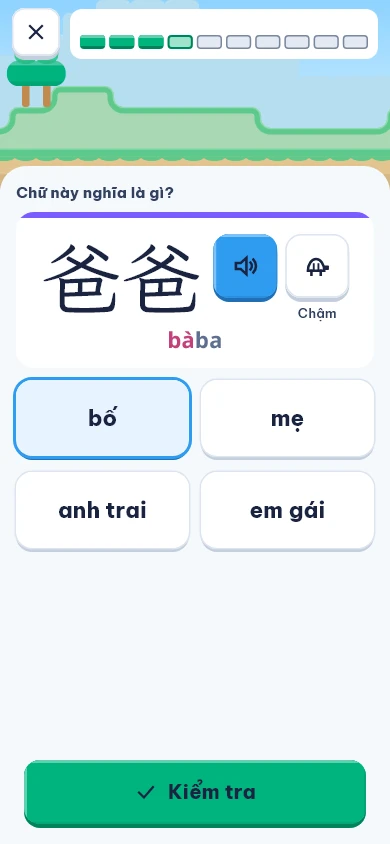
Yes. Bibozi reads the page, plays model audio, scores pronunciation and gives the answers, so you only need to remind your child to study and check the Parents tab in the app.
How is Bibozi different from other Chinese apps or a tutor?
Other apps teach their own course; Bibozi uses the words on the very page your child studies at school, so home practice matches class. It doesn’t replace the teacher: it helps your child listen, speak, write and review every day between lessons.
Which textbooks does Bibozi work with?
Bibozi reads clearly printed Chinese textbook pages your child is studying. Bibozi is an independent app, not affiliated with or endorsed by the publishers of the textbooks it works with.
Do I have to create an account first?
No. Tap “Skip” when you open the app to try it with 2 textbook pages. To keep going, create a free account with your email; your child’s profile and lessons stay as they are. With a free account, Bibozi Free gives 3 textbook pages a week.
What are the limits of the free plan?
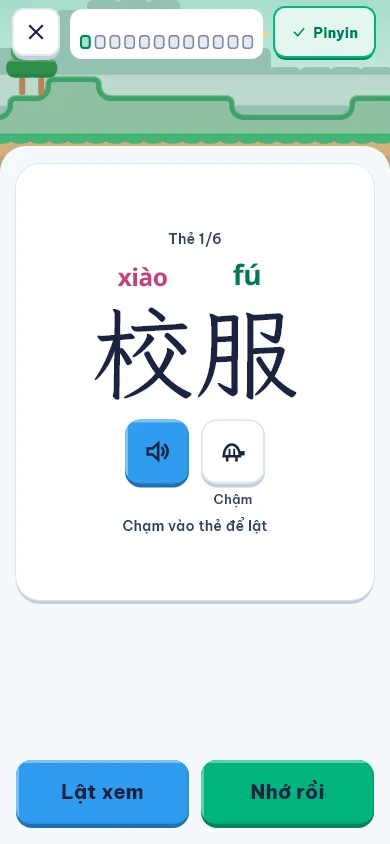
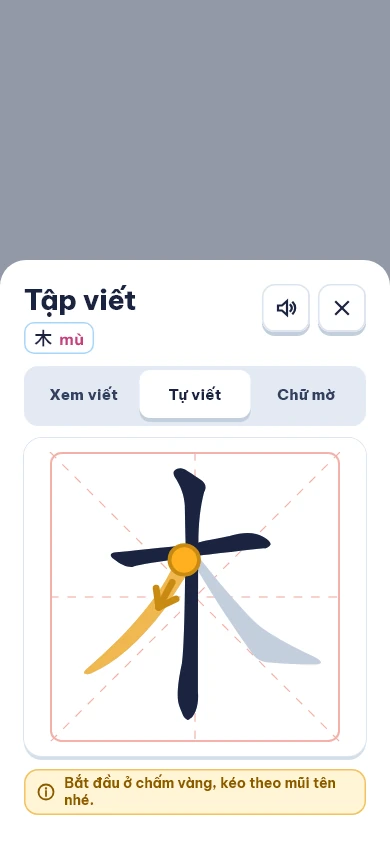
Bibozi Free gives 1 child profile, 3 textbook pages a week, 2 study rounds and 5 pronunciation scores a day. Word cards, writing and the adventure with Mosco are included. Before you create an account you can try 2 pages.
My child has never studied Chinese. How do we start?
Start with the sample lessons and the pinyin and tones warm-up, then photograph textbook pages once school lessons begin.
Are the textbook photos stored?
No. A photo is deleted as soon as Bibozi has read the page; only a photo it could not read is kept so it can be tried again. The lessons it builds are private to your family and are not shared.
Does it need an internet connection?
Reading pages and scoring pronunciation need the internet because they run on our servers. Answers given offline are saved and sent when you are back online.
How do I cancel a plan or delete my account?
Cancel in the subscriptions section of the App Store or Google Play. Delete your account in the parent settings of the app, or follow the steps on the Delete account page.